
METROMILLS
An innovative approach to instrumental practice by constant duration
The Empirical Method
Since the invention of the metronome in 1815, musicians have practiced their scales and technical exercises quite often in the same way: you set a tempo (for example 80 BPM) and practice on a scale or phrase (pattern) by successively changing the rhythmic accentuation to 3, 4, (5,) then 6 or 7 notes per beat. This is done to standardize the attack, and therefore the sound.
- The change in rhythmic accent in the fingering
- The acceleration
At 80 BPM in triplets, each note lasts 250ms. Switch to sixteenth notes at the same tempo: each note now only lasts 187ms. You nearly double the execution speed. This generates a more or less conscious apprehension.
The Metromills Solution
Metromills reverses the logic: instead of maintaining a fixed tempo, we keep the duration of each note constant (in milliseconds) and the application automatically adjusts the tempo when you decide to change the rhythmic formula (sixteenth notes, quintuplet sixteenths, sextuplets, etc.)
Concrete Example:
You want to practice at, for example, 150ms per note:
- You set 3 notes/beat → The metronome beats at 133.3 BPM
- You set 4 notes/beat → The metronome beats at 100 BPM
- You set 5 notes/beat → The metronome beats at 80 BPM
Your execution speed remains identical, only the motor organization of accents changes.
The Advantages
- Freed attention: Focus on touch quality, sound balance, muscular relaxation
- Precise control: Find exactly your learning zone and progress in millisecond increments
- Reproducibility: "150ms per note" is more meaningful than "sextuplets at 60 BPM"
Features
BPM Mode
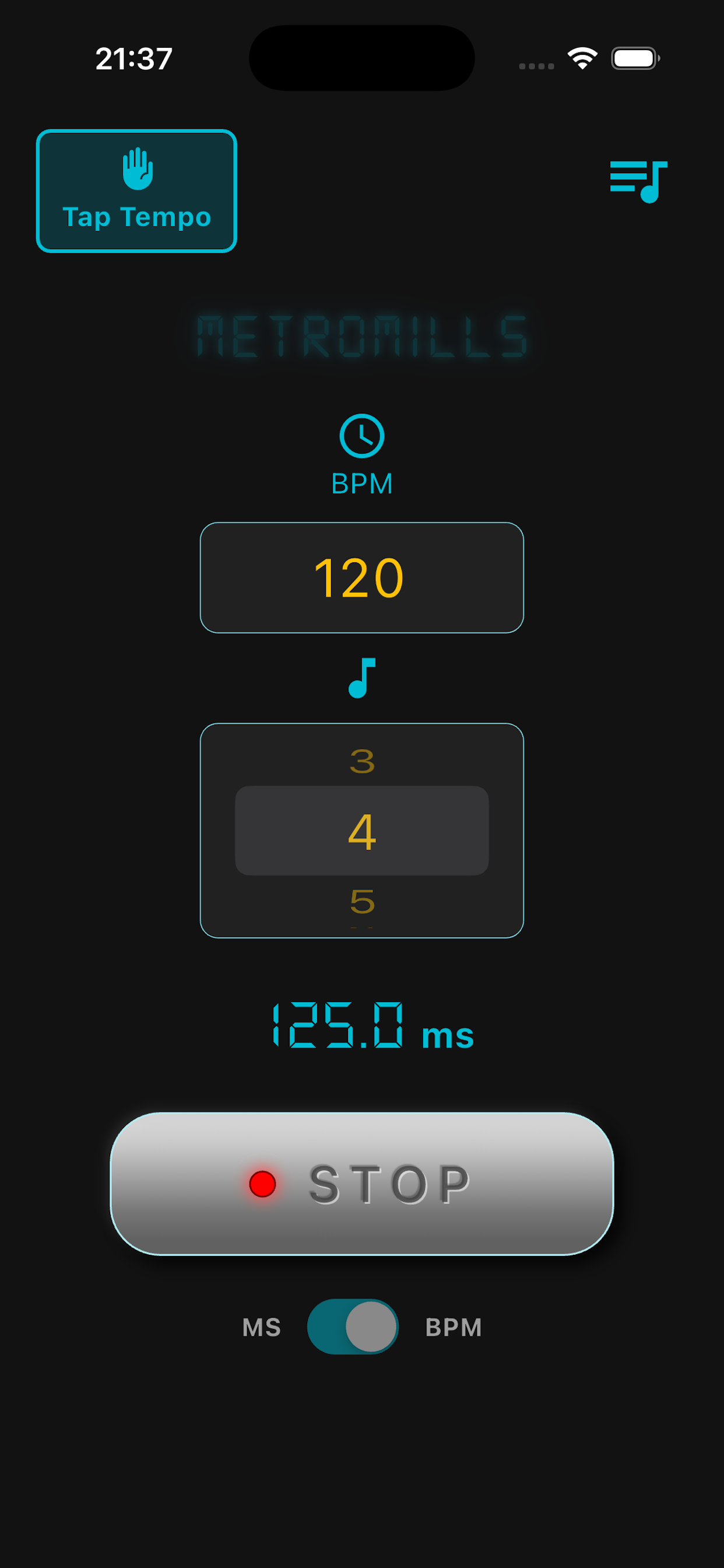
This mode allows you to discover your average execution speed starting from a tempo. It's a classic metronome that displays the duration of notes in milliseconds according to the number of notes played per beat.
Milliseconds Mode (MS)
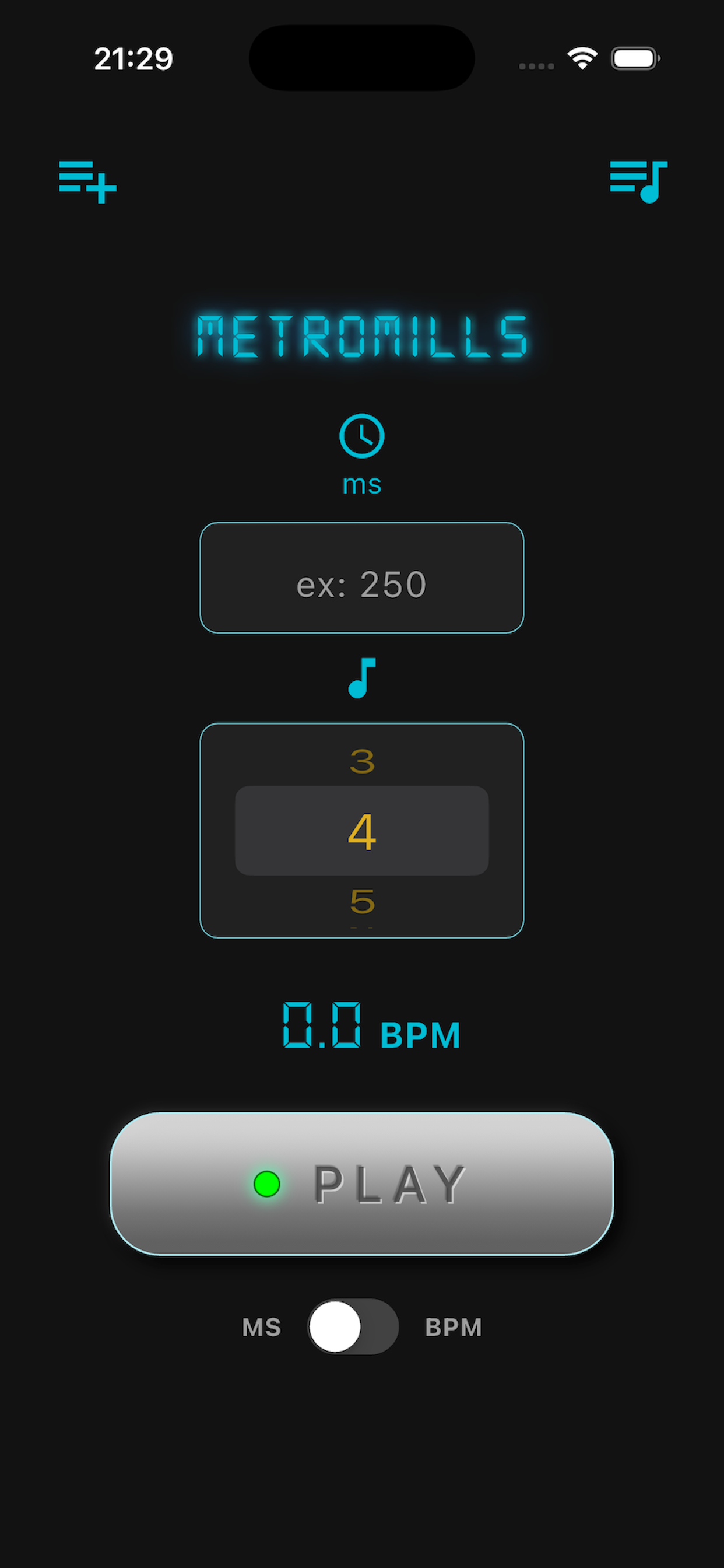
The heart of Metromills. Enter the desired duration per note (minimum 70ms), choose your "multiplier" (3, 4, 5, 6 or 7 notes per beat), and the app automatically calculates the corresponding tempo.
Tap Tempo
In BPM mode, a "TAP" button appears at the top left. Tap the tempo with your finger, the app automatically calculates the average BPM.
Programming
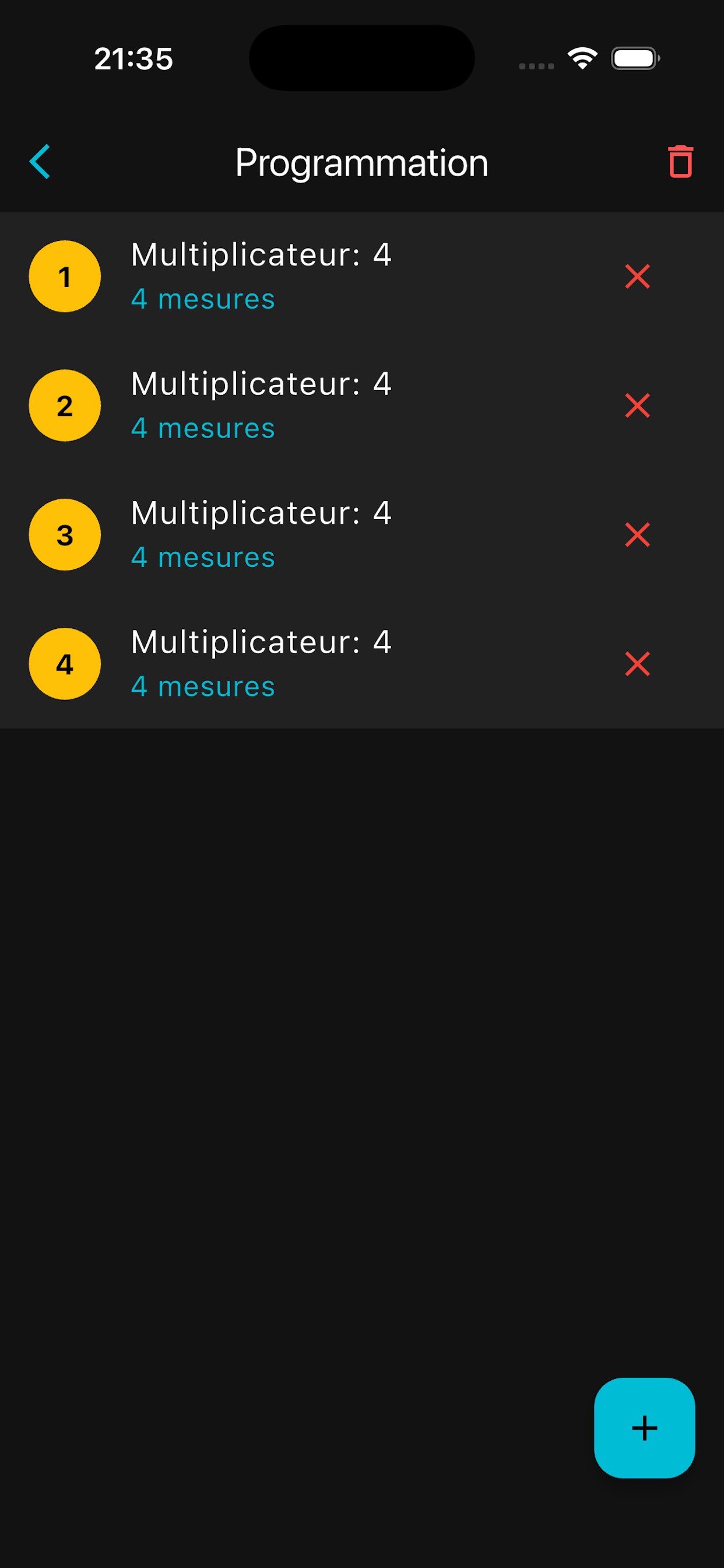
Create automatic sequences: define multiple steps with different multipliers and a number of measures for each step. The app automatically changes the tempo following your program. Useful for drummers and rhythm players practicing metric modulation with this concept.(Thanks Mr Walsh)
Backup
Create backups of your sessions: Performance speed, number of notes per beat and programme content can be saved and recalled whenever you wish.
4 Metronome Sounds
Choose from Classic, Tick, Cowbell or Beep according to your preferences.
Available Soon
Metromills will soon be available on the App Store (iOS) and Google Play (Android)
Metromills © 2025 • Privacy Policy • Quick Guide